mytopscore logo
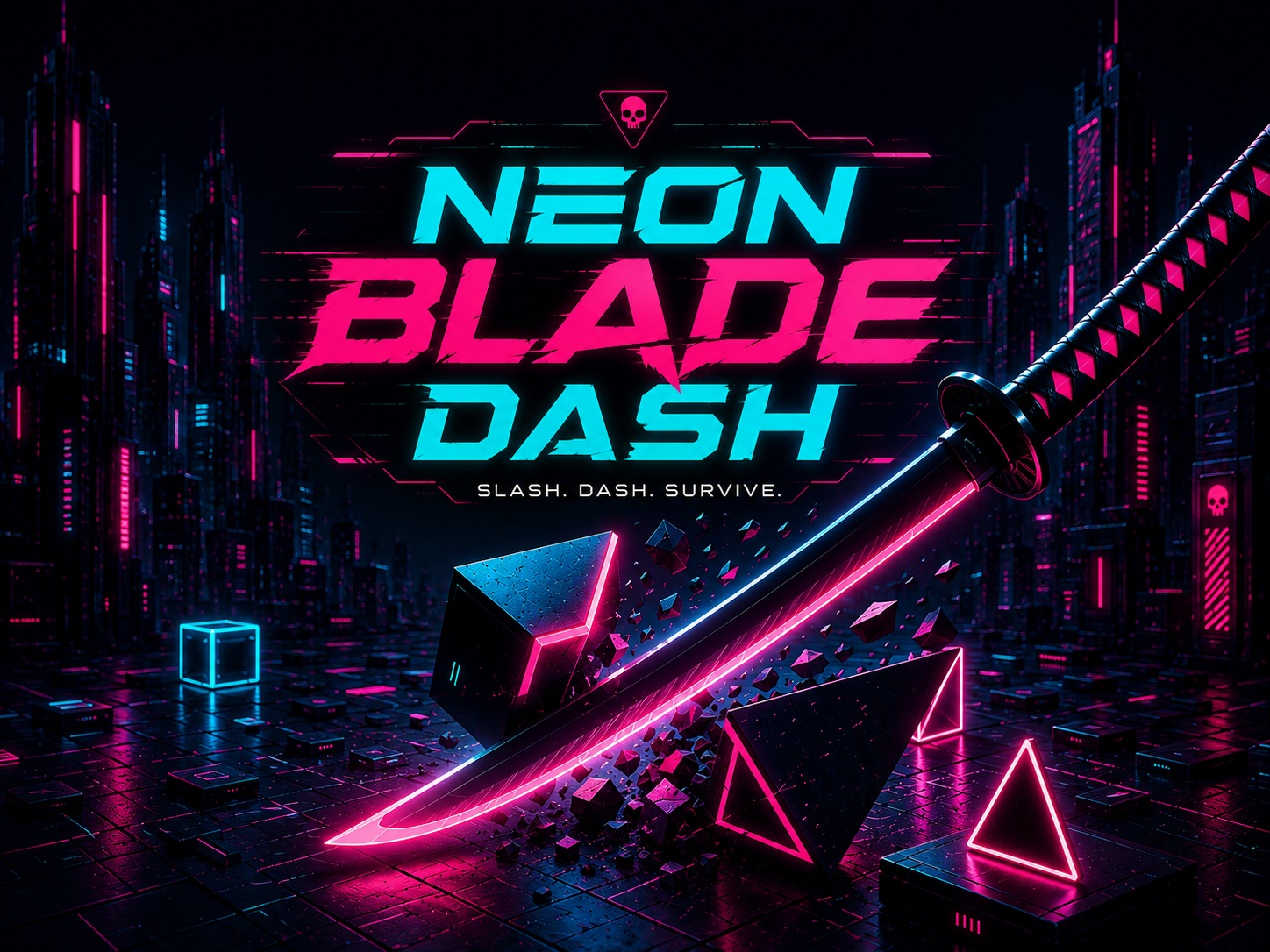
Neon Blade Dash
Featured

Neon Blade Dash

Swipe to slice incoming glowing geometric shapes while dodging red glitch blocks. Fast-paced reflex action with shifting cyber-palettes.

Neon Blade Dash

By FreshPlay Studios

Description

Swipe to slice incoming glowing geometric shapes while dodging red glitch blocks. Fast-paced reflex action with shifting cyber-palettes and high-score progression.

How to Play

  • W A S D
    Move
  • SPACE Shoot / Action
  • P Pause

About This Game

This game is part of the FreshPlay Arcade library — a curated collection of over 20 original HTML5 browser games developed by FreshPlay Studios. Every game on our platform is designed to run natively in your web browser without requiring downloads, installations, plugins, or account creation. Simply click the Play button above to start playing instantly.

Our games are built using the Phaser HTML5 game engine and modern JavaScript, ensuring smooth 60 FPS performance across all major browsers including Google Chrome, Mozilla Firefox, Apple Safari, and Microsoft Edge. Games are fully responsive and work seamlessly on desktop computers, tablets, and mobile phones with automatic input adaptation for keyboard, mouse, or touchscreen.

Frequently Asked Questions

Is this game free to play?

Yes, all games on FreshPlay Arcade are completely free to play. Our platform is supported by advertising, which allows us to offer our entire library of original games at no cost to players. There are no hidden fees, in-app purchases, or premium tiers.

What devices and browsers are supported?

FreshPlay Arcade games work on any modern web browser, including Chrome, Firefox, Safari, and Edge, on desktop, tablet, and mobile devices. Our games automatically detect your input method and adapt controls accordingly — keyboard and mouse on desktop, touch controls on mobile and tablet.

Do I need to create an account?

No account creation is required. FreshPlay Arcade is designed for instant, friction-free gaming. Simply navigate to any game page and click Play to start. Your game progress is saved locally in your browser using standard web storage.

How do I report a bug or suggest a feature?

We welcome feedback! Visit our Contact page to submit bug reports, feature requests, or general feedback. Our development team reviews all submissions and prioritizes fixes based on impact and frequency.