
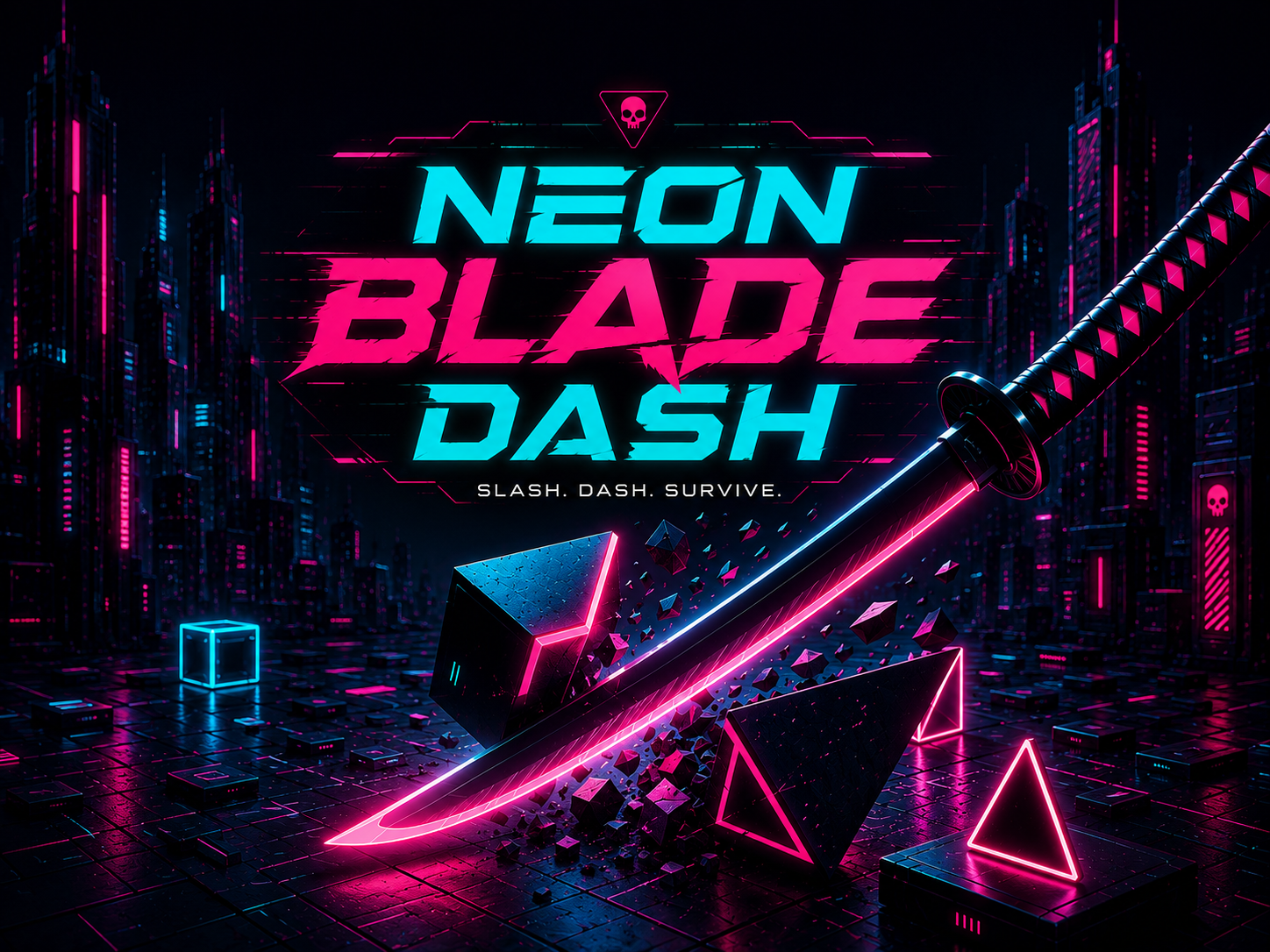
Neon Blade Dash
Neon Blade Dash
By FreshPlay Studios · Action Category · Rating: 4.9 ★
Game Overview
Neon Blade Dash puts your reflexes to the ultimate test in a high-speed slicing game set inside a pulsating cyberpunk arena. Geometric shapes — triangles, diamonds, and hexagons — hurtle toward you at increasing speeds, each one glowing in vivid neon hues that shift with every new wave. Your mission is straightforward: swipe through every target shape before it escapes past your blade zone, while carefully avoiding the deadly red glitch blocks that punish careless swipes with an instant game over.
What sets Neon Blade Dash apart from other slicing games is its dynamic color palette system. Every 30 seconds, the entire arena shifts its color scheme — from electric cyan and magenta to deep violet and gold — forcing you to re-calibrate your visual tracking on the fly. The background beats pulse in sync with the incoming shapes, creating a rhythmic flow that skilled players can lock into for devastating combo chains. Each consecutive successful slice adds to your combo multiplier, with the highest multipliers unlocking special screen-clearing "Blade Storm" events that shower the arena with bonus points.
The game features three distinct difficulty tiers that unlock progressively. Novice mode introduces shapes slowly with generous timing windows, making it perfect for warming up or casual play sessions. Cyber mode doubles the speed and introduces rotating shapes that must be sliced at precise angles. The ultimate Overclocked mode layers in decoy shapes, split-second fake-outs, and glitch blocks that teleport unpredictably across the screen — a true test of elite reflexes and pattern recognition.
Built on the Phaser HTML5 framework, Neon Blade Dash delivers silky 60 FPS performance across all modern browsers. The responsive touch controls are tuned specifically for mobile play, with dead-zone calibration that prevents accidental swipes from ruining a high-scoring run.
Controls & How to Play
-
MOUSETOUCHSwipe to Slice
-
AVOIDRed Glitch Blocks
Game Mechanics
Gameplay Strategy & Pro Tips
Mastering the Early Waves
The first 60 seconds of any run are critical for building your combo foundation. Focus on clean, deliberate swipes rather than frantic slashing. Each wave follows a predictable 4-shape pattern — learn to identify the rhythm and you'll consistently nail perfect slices that maximize your multiplier.
Reading the Color Shifts
Pay attention to the brief color transition animation between palette shifts. During this 2-second window, incoming shapes briefly flash white before adopting the new palette. Use this moment to reposition your focus to the center of the screen and prepare for the tempo change that often accompanies color shifts.
Glitch Block Avoidance Patterns
Red glitch blocks follow three distinct movement patterns: straight horizontal, diagonal drift, and the rare "teleport flash." Diagonal drifters always enter from the top corners, giving you a fraction more reaction time. When you spot the telltale red shimmer at the screen edge, immediately cease any active swipe and wait for a clear opening. The 0.3-second pause between a missed glitch block and the next target shape is your recovery window.
Blade Storm Timing
Blade Storm triggers automatically at 50-hit combos. When you feel the combo climbing past 40 hits, tighten your swipe accuracy and slow down slightly — losing your streak at 48 hits is far more costly than patiently reaching the Blade Storm threshold for a massive point boost.