
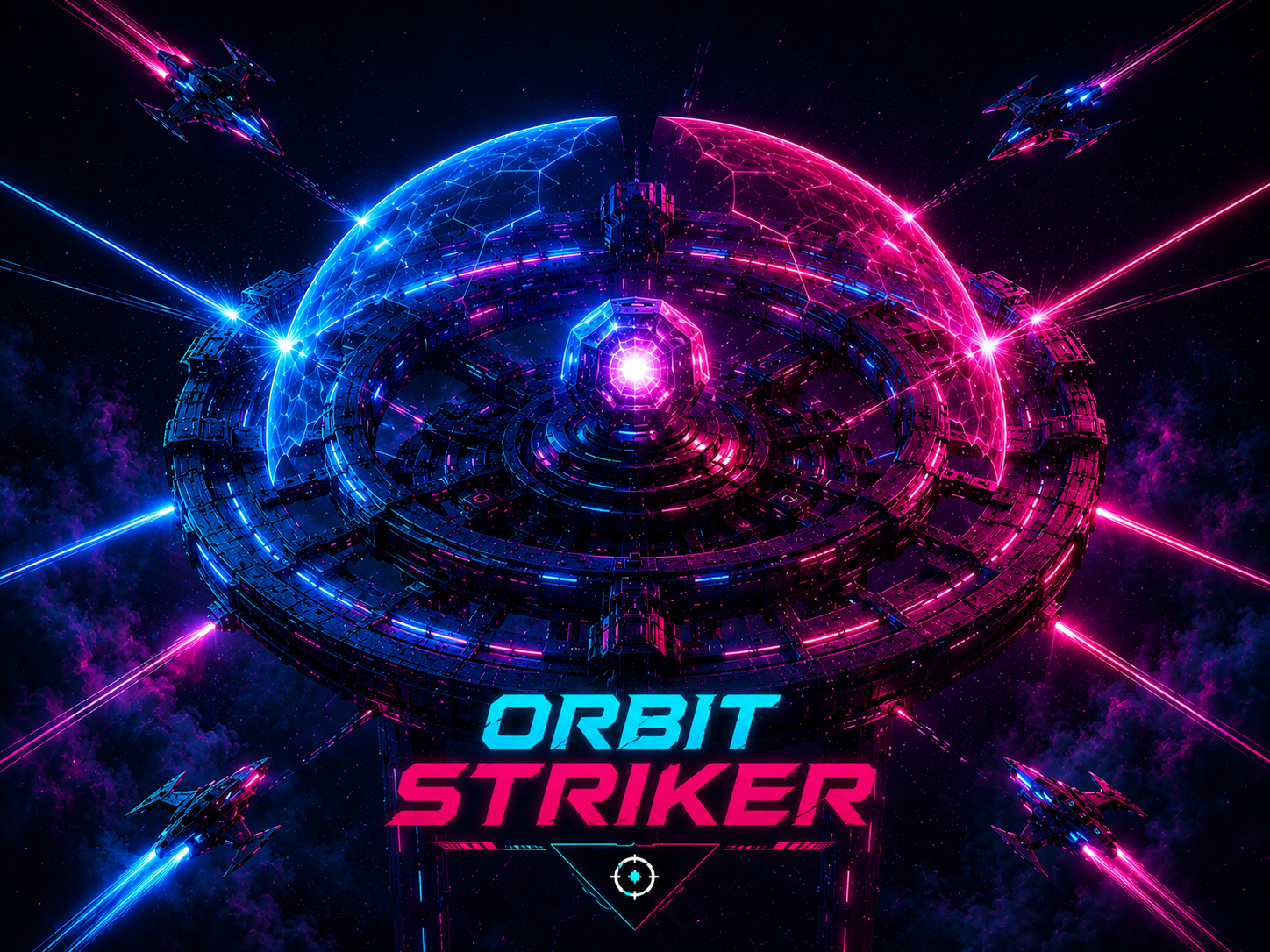
Orbit Striker
Orbit Striker
By FreshPlay Studios · Action Category · Rating: 4.7 ★
Game Overview
Orbit Striker challenges you to defend a glowing central core by rotating a dual-colored shield to deflect streams of incoming laser fire. Each laser beam carries either a cyan or magenta charge — match the correct shield half to deflect it, or take a direct hit to your core's integrity. As waves progress, the lasers arrive faster, from multiple angles, and in increasingly complex patterns that demand split-second color-matching decisions.
The game's elegant two-button control scheme (rotate left, rotate right) makes it instantly accessible, but achieving high scores requires mastering the subtle art of shield positioning. Experienced players learn to "pre-rotate" — anticipating the next laser's color based on the rhythmic patterns that emerge in later waves. The shield has a slight momentum arc when rotating, meaning overcorrection is a constant threat during fast-paced exchanges.
Orbit Striker features a wave-based progression system with 5 distinct laser types that unlock as you advance. Basic single-beam lasers give way to split beams (requiring rapid shield flips), spiral beams (that curve toward the core), pulse chains (rapid-fire bursts of alternating colors), and the devastating Nova beam that fills the entire screen edge and requires precise timing to deflect. Between every 10 waves, a Boss Laser sequence tests everything you've learned with extended multi-pattern attacks.
The minimalist neon-on-black aesthetic keeps visual noise to an absolute minimum, ensuring that the color of incoming lasers is always instantly readable. Every deflection creates a satisfying particle burst, and perfect deflections (where the laser hits the exact center of the matching shield half) trigger a brief slow-motion effect and bonus score. The game runs flawlessly at 60 FPS in all modern browsers with full touch and keyboard support.
Controls & How to Play
-
ADARROWSRotate Shield
Game Mechanics
Gameplay Strategy & Pro Tips
Shield Positioning Fundamentals
Your shield has two distinct halves — cyan and magenta. The key to survival is maintaining a "neutral" position between attacks where either half can quickly rotate to intercept. Avoid resting with the shield at extreme angles, as the rotation momentum makes recovery from those positions too slow against fast laser sequences.
Reading the Laser Queue
After wave 15, lasers begin charging visibly at the screen edges before firing. Watch for the faint glow that appears 0.5 seconds before each beam — the color of the glow telegraphs whether it's cyan or magenta, giving you critical reaction time to pre-position your shield.
Handling Split Beams
Split beams fire two lasers simultaneously from opposite sides with different colors. The only viable strategy is to prioritize the beam that's closest to your current shield position, deflect it, then rapidly rotate to catch the second beam. With practice, this "sweep deflect" becomes instinctive.
Boss Laser Patterns
Boss sequences at waves 10, 20, 30, etc. follow repeating 8-beat patterns. The first time through, focus on survival rather than perfect deflections. Once you've memorized the pattern, you can aim for center-hit bonuses on subsequent attempts for massive score boosts.